
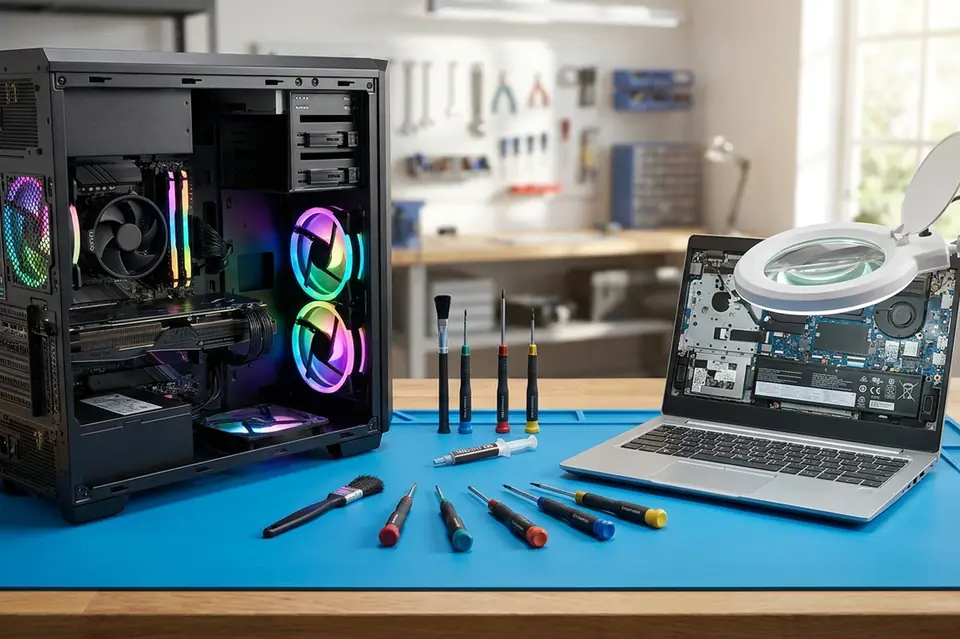
General Diagnostics & Repair
Laptop and Desktop Repair in Perumbakkam, Chennai
Laptop, desktop and all-in-one diagnostics and repair, with the fault explained clearly before any work begins.
Symptoms
Common problems
- The computer does not switch on, or switches on and shuts down again
- Windows takes a long time to start, or freezes during normal use
- Random restarts, blue screens or applications closing on their own
- Unusual noise, heat or smell coming from the machine
- Ports, sound, Wi-Fi or the touchpad no longer working
- The system boots to an error message instead of the desktop
What the service involves
Service details
A general repair covers everything from the power circuit through to the operating system. Storage drives are tested for read errors, memory is checked, the board is examined for physical damage, and the cooling path is inspected — because heat is behind a surprising number of faults that look like software problems.
Once the cause is clear, the work splits into one of three directions: a part is replaced, a board-level repair is carried out, or the software side is rebuilt. Many machines need only one of these; some need a combination, and that is discussed with you rather than decided for you.
Why this service may be needed
Computers rarely fail all at once. A drive that is beginning to go, a fan that has stopped turning, or a battery that no longer holds charge will usually show early symptoms — a slower boot, a warmer palm rest, an occasional freeze. Getting the machine looked at while it is still usable keeps a small repair from turning into a data problem.
Step by step
How the service works
- 1
Contact or visit
Call, message on WhatsApp, or bring the machine to the counter on Nookampalayam Road.
- 2
Initial inspection
The device is checked physically and powered up where possible to see how it behaves.
- 3
Issue identification
Testing narrows the fault down to a part, a board-level problem or a software problem.
- 4
Service recommendation
The finding is explained to you along with what the repair or replacement involves.
- 5
Repair or replacement
Work starts once you agree to it — repair, part replacement, upgrade or reinstallation.
- 6
Testing
The machine is run and checked again to confirm the original symptom is gone.
- 7
Handover
The device is handed back with an explanation of what was done.
Related services
Often looked at alongside this
- Motherboard / Chip-Level ServiceBoard-level diagnosis and repair for power faults, shorted circuits and components that have failed on the motherboard itself.
- No Power / No Display RepairFor machines that stay completely dead, or that power up with fans running but leave the screen blank.
- RAM & SSD UpgradeMemory and solid state drive upgrades for laptops and desktops that have become slow to boot and slow to switch between applications.
Frequently asked
Questions about laptop & desktop repair
Something not covered here? Call the counter or send a message on WhatsApp with your model number and the symptom.
Can a laptop that does not switch on at all be repaired?
In many cases yes, but the cause has to be found first. It could be the adapter, the charging circuit, the battery or the board itself. The machine is tested at each of these points before any repair is suggested.
Do you service desktop computers as well as laptops?
Yes. Desktop towers and all-in-one systems are serviced alongside laptops, including power supply, storage, memory and assembly work.
Will my data be lost during a repair?
It depends entirely on the fault. A keyboard or fan replacement does not touch your data. A failing storage drive or an operating system rebuild is a different situation, and that is raised with you before work starts.
Is it worth repairing an older laptop?
Sometimes a storage or memory upgrade brings an older machine back to comfortable use for far less than a replacement. Where a repair is not sensible, that will be said plainly.
Do I need to book before bringing my computer in?
You can walk in during working hours. Calling or sending a message on WhatsApp first is useful if your machine has an unusual fault or you want to describe the symptoms in advance.
Contact Laptech
Need laptop service? Contact Laptech today
Call the counter in Perumbakkam or send the model number and symptom on WhatsApp.